


[Android] I want to check or change the linked Google Play Games account. What should I do?
You can check it from the hamburger menu at the bottom right of the Home screen > "Link Account" > "Set Up Transfer with Google Play Games Account."
To change the linked account:
① Tap "Set Up Transfer with Google Play Games Account"
② Select the Google Play Games account to link from "Choose a Play Games profile"
■Important
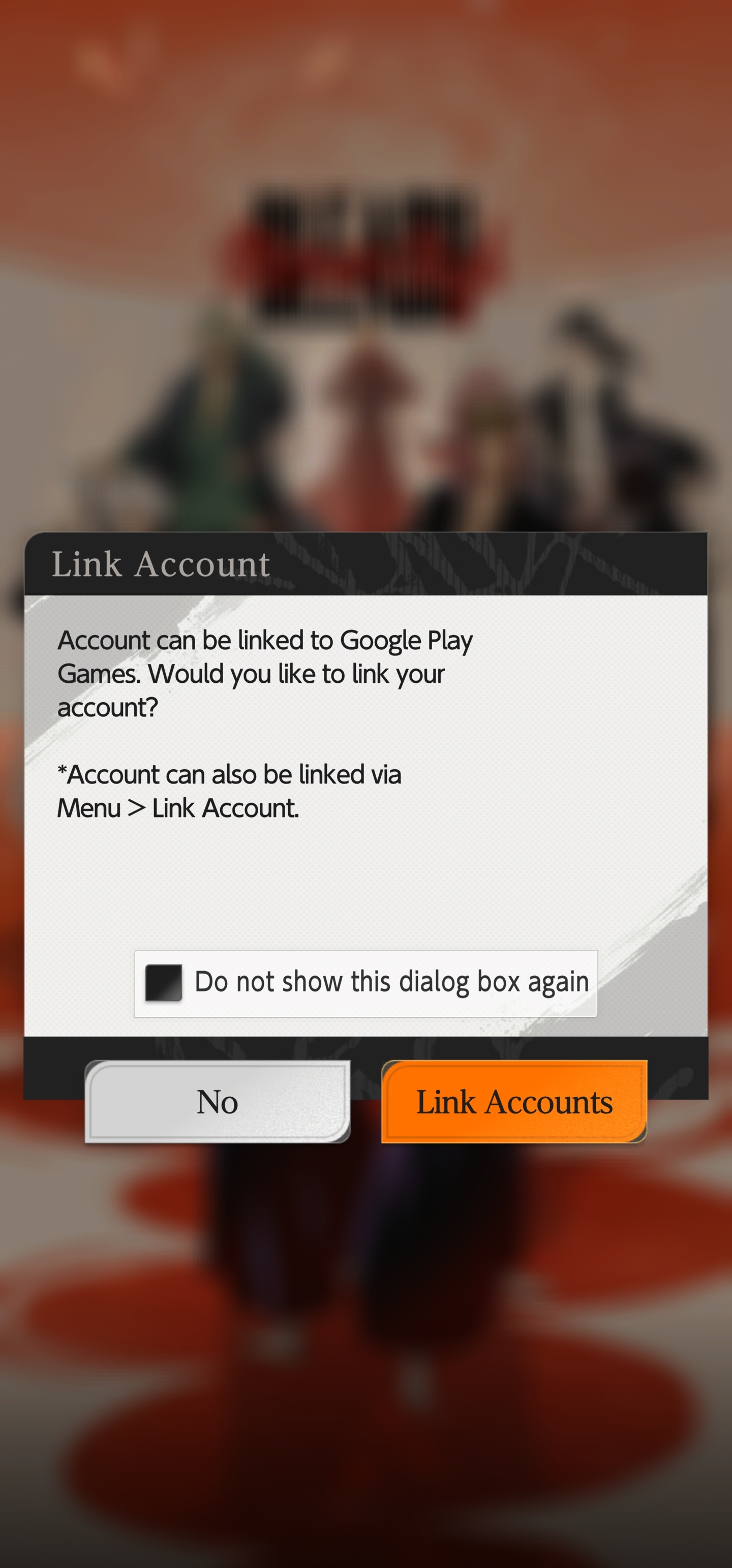
If the following screen appears when launching the app, your account has not been linked.
Please tap "Link Accounts" to link your account.
If you can not find possible solutions from FAQ, please send your inquiry from below.
Please send your messages regarding our network contents via the following form. We will forward them to the relevant department.
We do not provide individual replies, but your messages will be passed on to the appropriate department.