


【PS5: General】How to check whether bonus DLC or additional content is installed in the game
You can check the installation status of bonus DLC or additional content from "Manage Game Content".
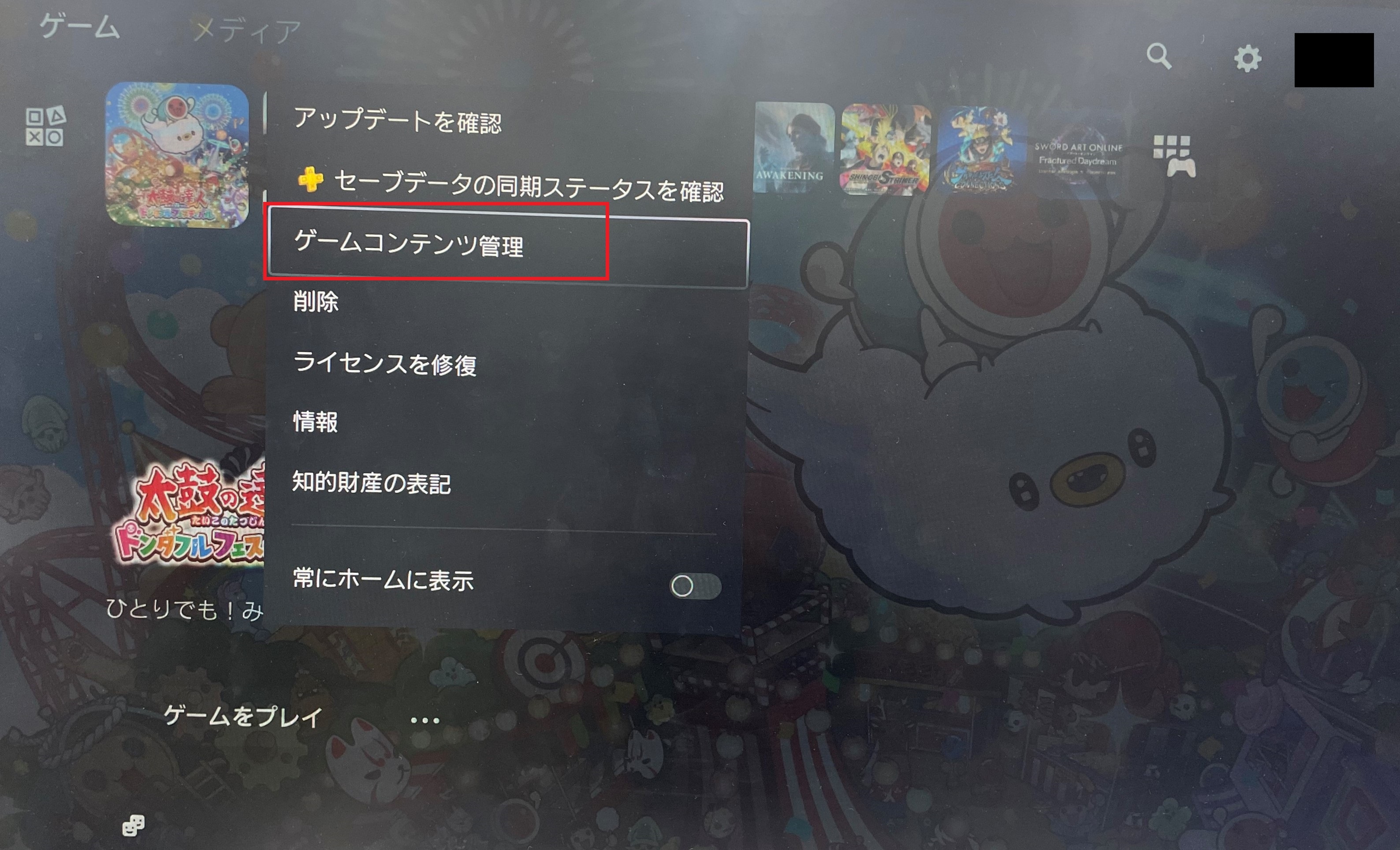
■ How to check "Manage Game Content"
From the PlayStation 5 home screen, highlight the game you want to check, press the Options button > select "Manage Game Content".
If it does not show "Installed", proceed with the installation.
For first-time installation of bonus DLC, please refer to the following.
■ If purchased the physical (package) version
Enter the code printed on the bonus leaflet included in the package in the PlayStation Store.
■ If purchased the digital/download version
When installing the base game, select "Download All" to ensure the bonus DLC is installed as well.
* The timing for when bonus DLC or additional content appears in-game may vary depending on the title.
* For detailed information on when the content will be reflected in the game, please refer to the official website of the respective title.